Microsoft Foundry agent updates: an upgrade checklist
Review Microsoft Foundry agent updates with checks for tool identity, SDK maturity, regional support and costs before you change an existing agent deployment.
Harllens George | 2026-09-14
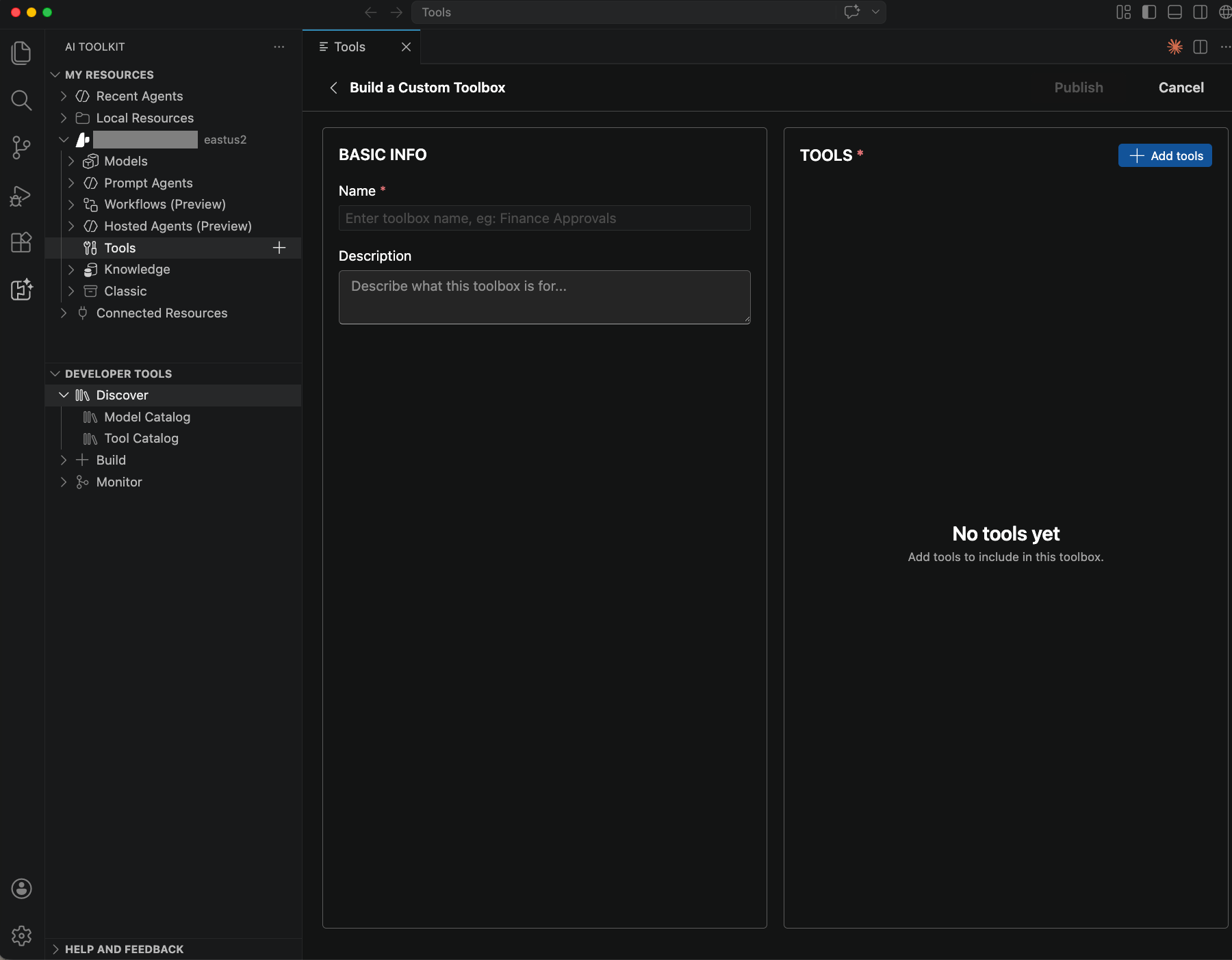
Microsoft's September 9, 2026 roundup of July/August reports GA for Hosted Agents, their Voice Live integration and Toolboxes. September 9 is the roundup date, not each feature's launch. Announcement.
Sources checked September 12, 2026. AI-assisted article. No deployment or customer-tenant testing underlies these checks.
Separate status from readiness
- Tools: A shared MCP-compatible Toolbox endpoint centralizes authentication; tool search and skills remain preview. Identify whose credentials reach each downstream system. Toolbox documentation.
- SDKs: Python
azure-ai-projects2.5.0 introduced Python 3.10 minimum andopenai>=3.0.0; 2.6.0 followed September 4. Python history. JavaScript 2.6.0 dates to September 3; .NET Projects 3.0.0 remains beta. JavaScript; .NET history. Do not label August versions “latest.” - Hosting: Microsoft documents Python/C# runtimes, supported regions and active-session CPU/memory billing. Check model and tool availability separately; a management SDK does not establish runtime parity. Hosted-agent requirements.
Run a small upgrade trial
Start with one agent, one read-only tool and synthetic records. Preserve baseline responses and dependencies.
- Freeze and compare. Record packages, runtimes, changed APIs and CI image. Run existing tests in an isolated branch. Include a known answer, denied access and a clarification request, with expected tool calls or refusals.
- Verify identity and failures. Test allowed/restricted users and inspect downstream results. Simulate an unavailable tool and interrupted request; check retry duplicates before enabling writes.
- Bound operations. Set budget, concurrency and stop conditions. Assign trace review, resource cleanup and a rollback owner. Require recorded results before wider approval.
Pitfall: trusting tool output
Include a synthetic document asking the agent to ignore its rules. Expect it to preserve the original task and permissions. Never promote untrusted tool output into instructions. A successful demo leaves access failures and costs unresolved.
Related reading
Use Power BI's update checks for reporting adoption; codex-mem persistent memory covers a separate MCP integration.